If you work with remote servers, you already know that traditional management through FTP clients can be slow and frustrating. The constant need to download, edit, and re-upload every single file breaks the professional workflow. This is why more and more companies and system administrators are looking for a way to integrate these protocols directly into their operating system.
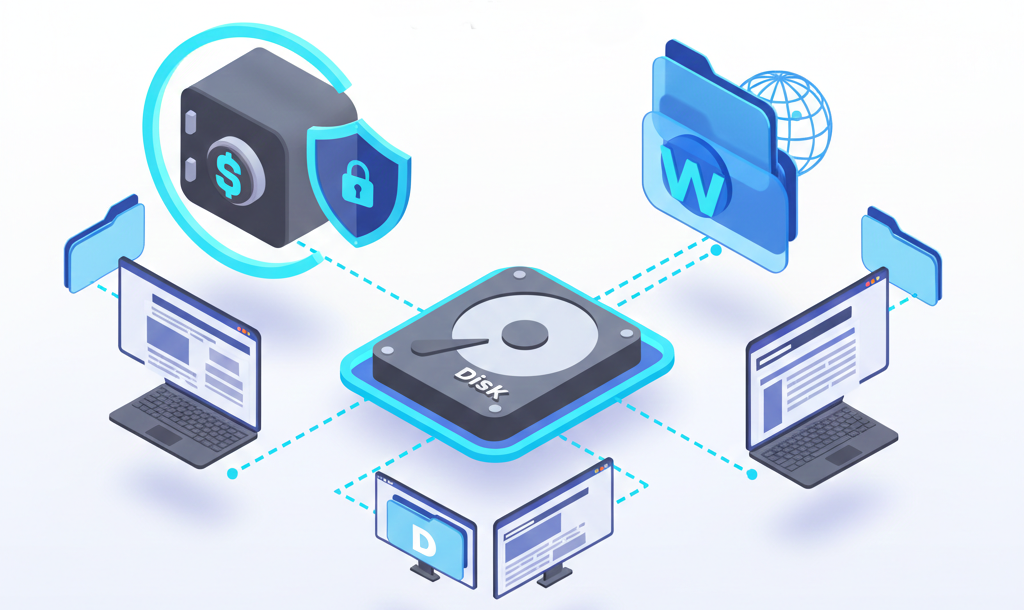
The best way to map SFTP and WebDAV servers is by using virtual drive mounting software like Air Live Drive. This tool allows you to access remote servers directly from the Windows File Explorer, treating them as local disk units (such as a Z: or T: drive). This eliminates the need for external FTP clients and enables direct file editing.
Why Map Remote Servers as Local Drives?
Moving from a file transfer client (like FileZilla) to a mapped drive completely changes your productivity for three fundamental reasons:
- Operational Efficiency: You don’t need intermediate software to view your files. They appear on your computer as if they were on a flash drive or an internal hard disk.
- Real-Time Editing: You can open a Word document, an Excel spreadsheet, or an AutoCAD project directly from the server. When you hit “Save,” the changes are automatically synced to the remote server.
- Total Compatibility: Any application installed on your PC can read and write data to the SFTP or WebDAV server because the operating system recognizes it as a standard storage unit.
Air Live Drive: Features that Make it Superior
While there are several options on the market, Air Live Drive has positioned itself as the preferred solution for technical users and businesses due to its deep optimization for the Windows environment.
1. Intelligent Cache Management
One of the biggest concerns when mounting a cloud drive is that it might saturate the local SSD. Air Live Drive solves this with a customizable cache system. You can limit the exact amount of space the software will use for temporary data, ensuring your system always has free space while you browse through terabytes of remote data.
2. Deep Integration with the Context Menu
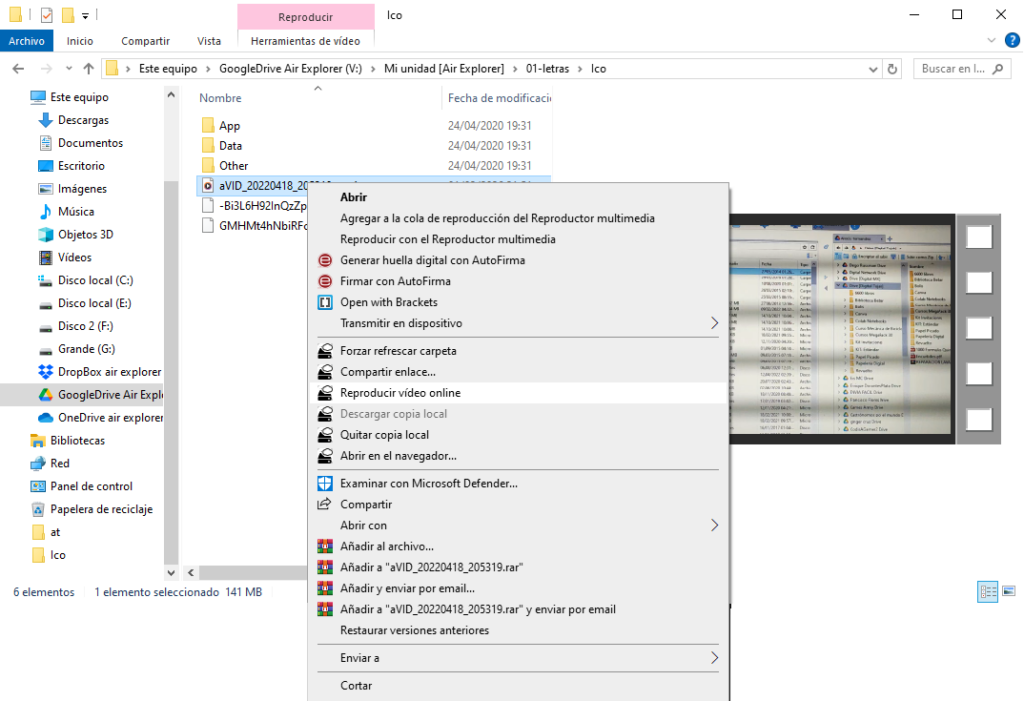
Unlike its competitors, Air Live Drive integrates directly into the Windows right-click menu. From the Explorer, you can:
- Force a folder refresh to see immediate changes made by other users.
- Generate sharing links without entering the server’s interface.
- Play videos online via streaming, without waiting for them to download completely.
3. Multi-Account and Multi-Cloud Support
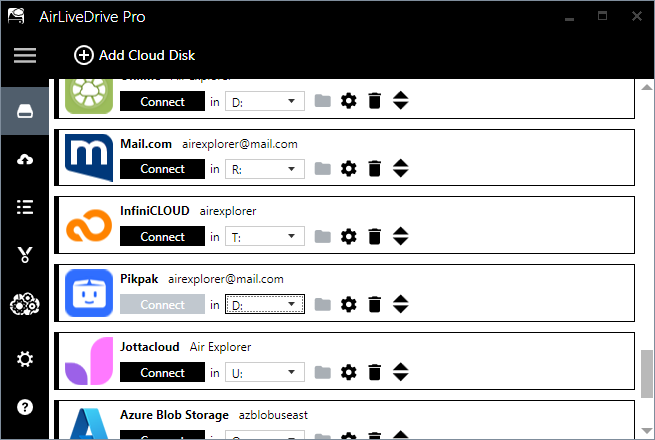
You can have multiple SFTP servers from different providers (or multiple Amazon S3 buckets and WebDAV accounts) connected simultaneously, each with its own drive letter and independent configuration.
How to Configure Your Server in 3 Steps
Setting up Air Live Drive is an intuitive process that doesn’t require advanced networking knowledge:
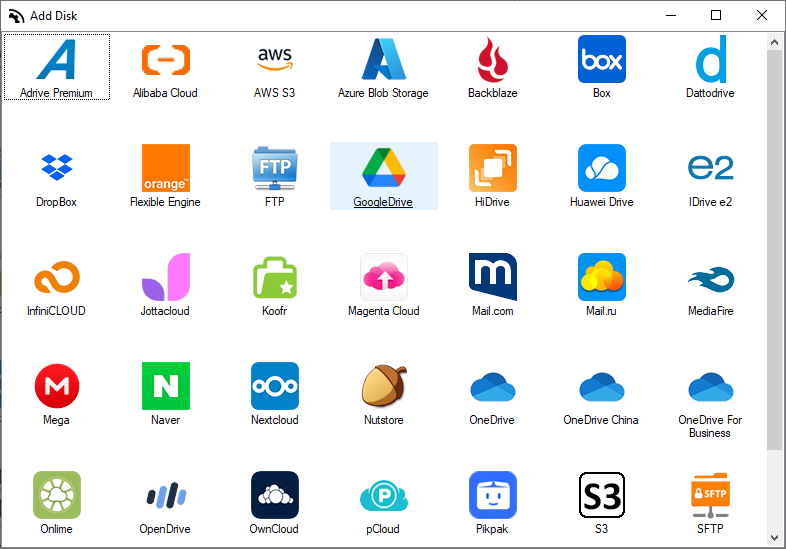
- Select Your Protocol: Open Air Live Drive, click “Add Disk,” and choose the SFTP or WebDAV icon from the list of over 30 supported clouds.
- Enter Your Credentials: Add the server address, your username, and password (or private key for SFTP). Choose the drive letter you prefer (e.g.,
W:for WebDAV). - Optimize Performance: In the disk configuration, enable “Background uploads” so your files upload while you continue working, and adjust the cache limit based on your available SSD space.
Conclusion
Mapping SFTP and WebDAV servers as hard drives isn’t just about convenience; it’s a productivity strategy. Air Live Drive doesn’t just establish the connection, it optimizes every interaction with your remote data so it feels as if it were stored right inside your own computer.
Download Air Live Drive for free and turn your server into a local disk today.
You can check more information about more features here:
-Why context switching is killing your productivity: Managing cloud shares from Windows Explorer
-Top RaiDrive alternative: Air Live Drive
-Turn Dropbox into a virtual drive
