
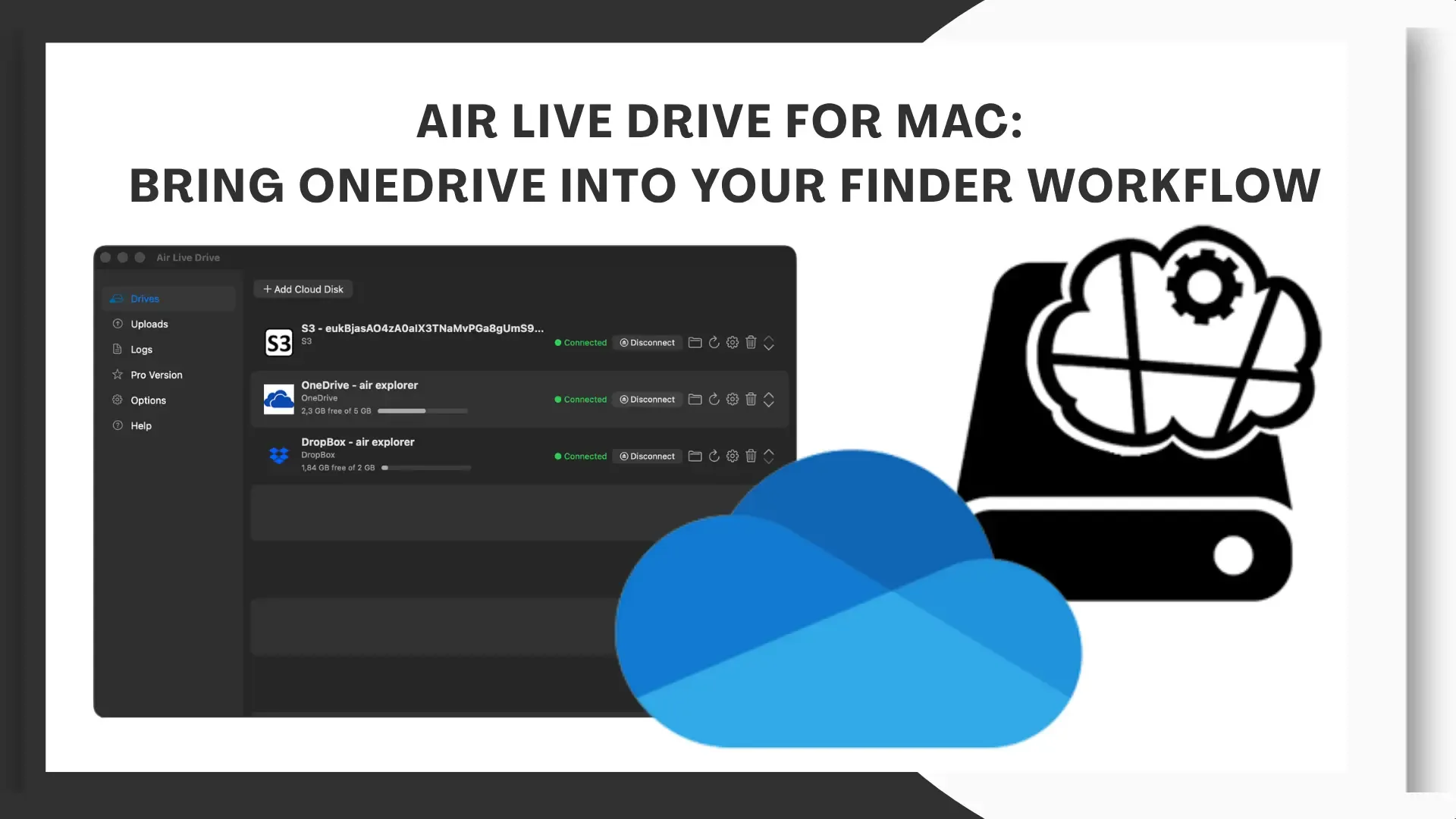
Air Live Drive is available for Mac, allowing you to bring OneDrive into Finder and work with the files in your account from macOS. It is an option for people who use cloud storage as the everyday home for their documents and need access through desktop applications.
A business proposal, spreadsheet or set of project resources can live in OneDrive while the work happens on a Mac. With Air Live Drive, that account becomes a location you can access through Finder: browse folders, open documents and save changes back to the same destination.
OneDrive on Mac as part of your desktop workflow
Connecting OneDrive to Finder is particularly useful when a file moves through several tasks. Preparing a proposal, for example, involves reviewing earlier documents, editing the text and saving the result in the client’s folder. Accessing that structure from the desktop helps keep the project context available throughout the process.
This suits people who prefer macOS applications for document editing or need tools that work with files and folders. OneDrive remains the storage location for the content, while Air Live Drive provides access through the Mac’s file system.
The connected account is also available when selecting a document from a compatible application. Cloud access becomes part of the editing process, whether you start in Finder or open a file from the software you already use.
Connect OneDrive with Air Live Drive for Mac
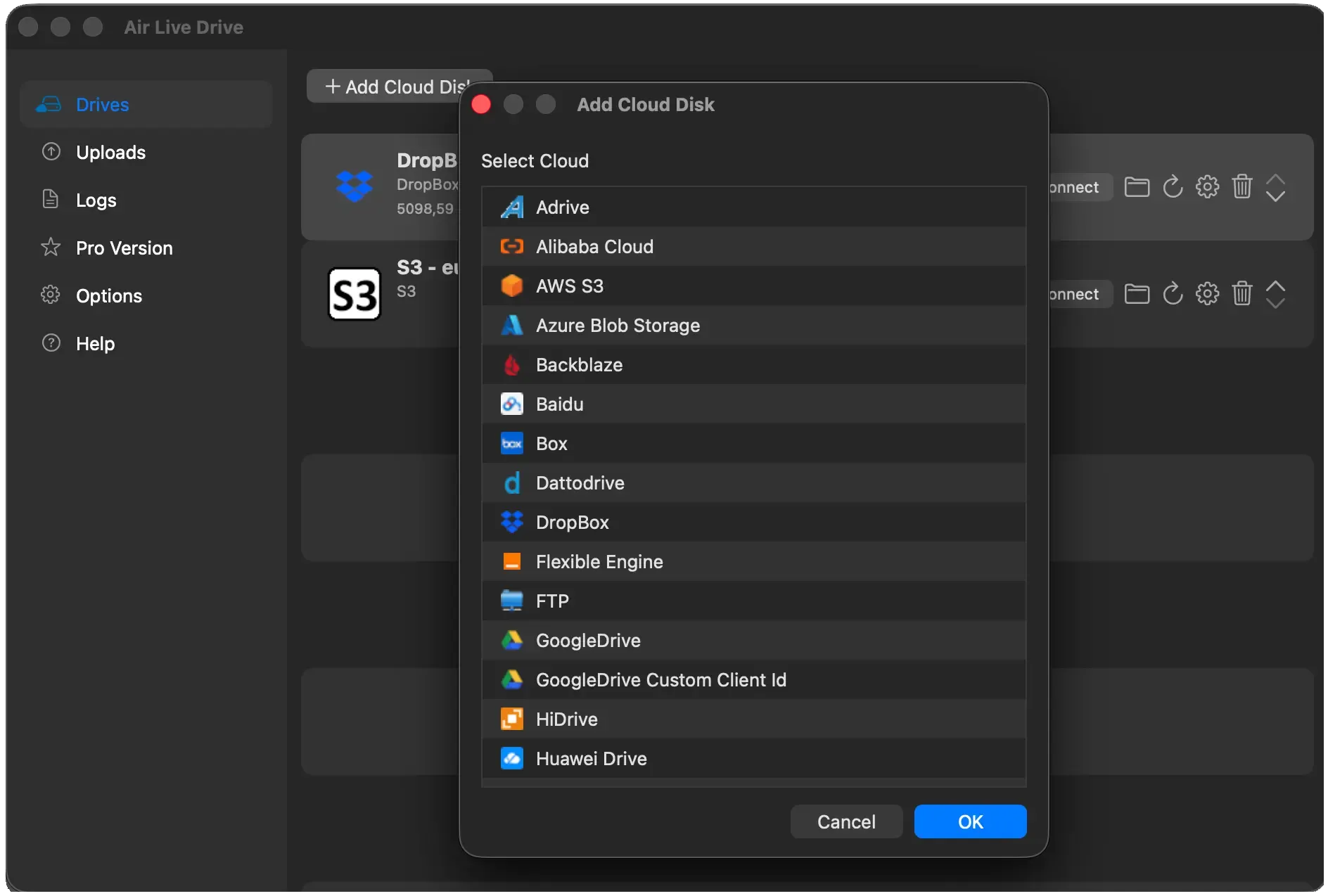
Setup takes just a few actions. Download the Mac version of Air Live Drive, install it and open Add Cloud Disk. Select OneDrive, complete the Microsoft sign-in process and authorize access to the account.
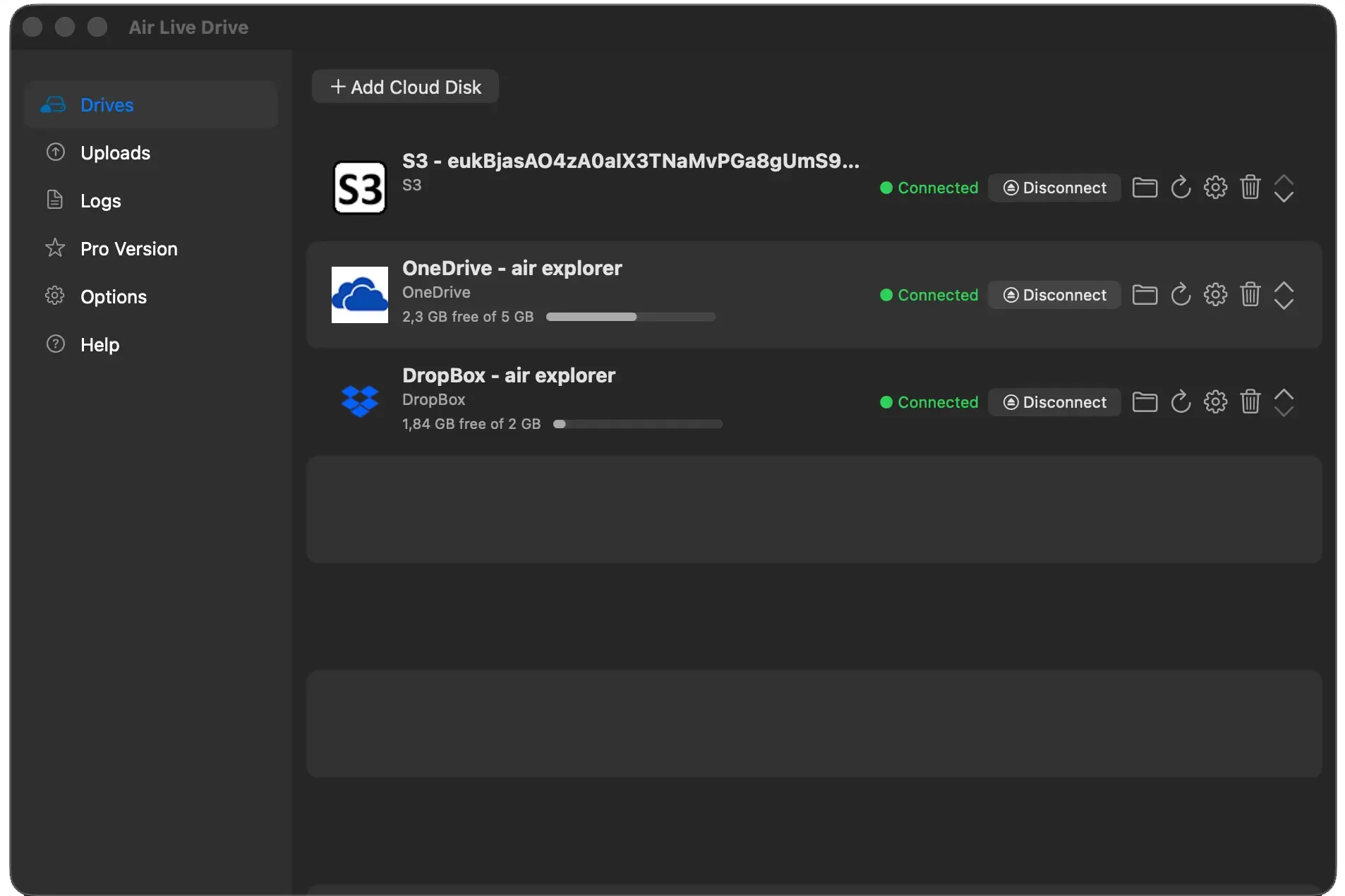
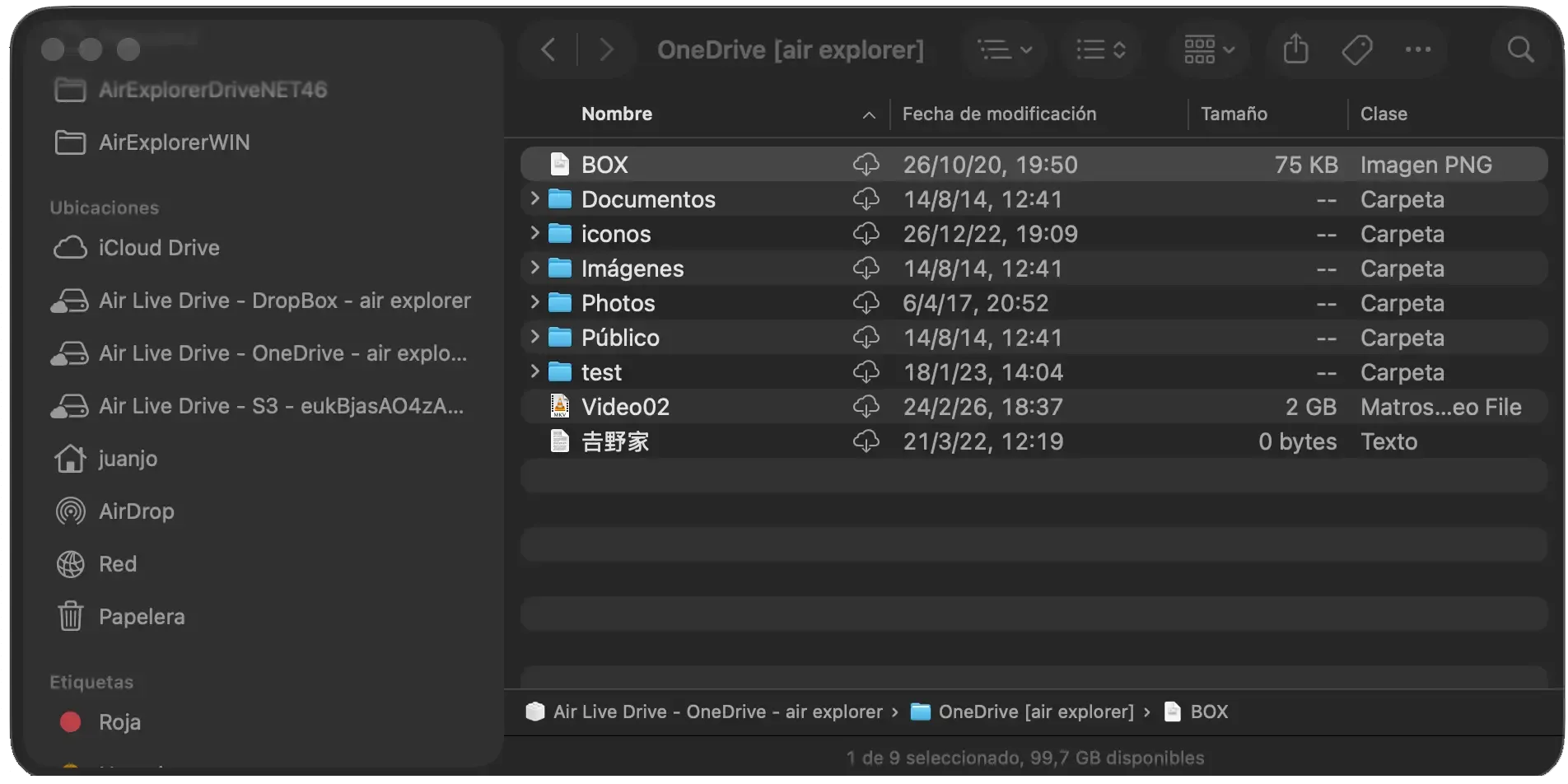
Once the account has been added, click Connect. It becomes available in Finder when its status shows Connected. The folder icon in Air Live Drive opens that location directly.
Air Live Drive for Mac requires macOS 13 or later. If the system asks you to enable the integration, allow Air Live Drive under System Settings > Login Items & Extensions > File Providers. Further configuration details are available in the Air Live Drive help guide.
Work with OneDrive documents in your Mac applications
With the account connected, you can open a OneDrive document in Word, work on a spreadsheet in Excel or access resources from other compatible applications. Saving a file sends the changes back to the cloud.
For people preparing deliverables, this supports an established folder structure organized by client or project. Working documents and finished files can be saved in their respective OneDrive locations, without making the Downloads folder a regular intermediate stage.
The integration also makes it convenient to add material to a project. Copy a file from your Mac to the connected account or create a folder in Finder. These actions change the content stored in OneDrive, so the location supports both access to existing files and ongoing project organization.
Cloud access and local storage
Connecting OneDrive lets you browse the account without keeping a complete copy of every folder on your Mac. This approach can be useful when a library contains older projects and you only need to retrieve selected documents or resources.
Files you open may be downloaded or create local copies. The storage space used will therefore also depend on the content you work with. The benefit is access to the account’s folder structure without having to keep all its contents permanently on the computer.
On macOS, Finder provides controls for managing file downloads. Removing a local download and deleting an item from OneDrive have different effects: releasing local storage should be treated separately from removing cloud content. The download management section of the help guide explains this in more detail.
This distinction matters for project archives. You can keep older material organized in OneDrive and access it when required, while considering the local space needed for the files you actively use.
Personal OneDrive and business storage
Choose OneDrive when adding a personal account. For company storage, select the appropriate service, such as OneDrive for Business. Business accounts may be subject to permissions and access policies set by the organization.
Alongside OneDrive, you can connect other cloud accounts, such as Google Drive or Dropbox, and access their files through Finder. This can be useful when a project uses OneDrive for documentation and another provider for assets or deliveries. Each account retains its own location, accessible from Finder, so you can work with the different storage destinations used by your clients or team.
Save changes and keep project files current
Transfers depend on your Internet connection. After saving a document or copying large files, keep Air Live Drive open until uploads finish. The Uploads section lets you review pending transfers.
If content changes from another computer or through the web interface, refresh the location to retrieve the latest listing. When several people work on a project, coordinating edits to the same document remains part of managing that work.
Air Live Drive for Mac extends cloud access on macOS. With OneDrive connected to Finder, your documents are available to the applications you use every day, within the project structure you already maintain. Download Air Live Drive for Mac and connect your account.