
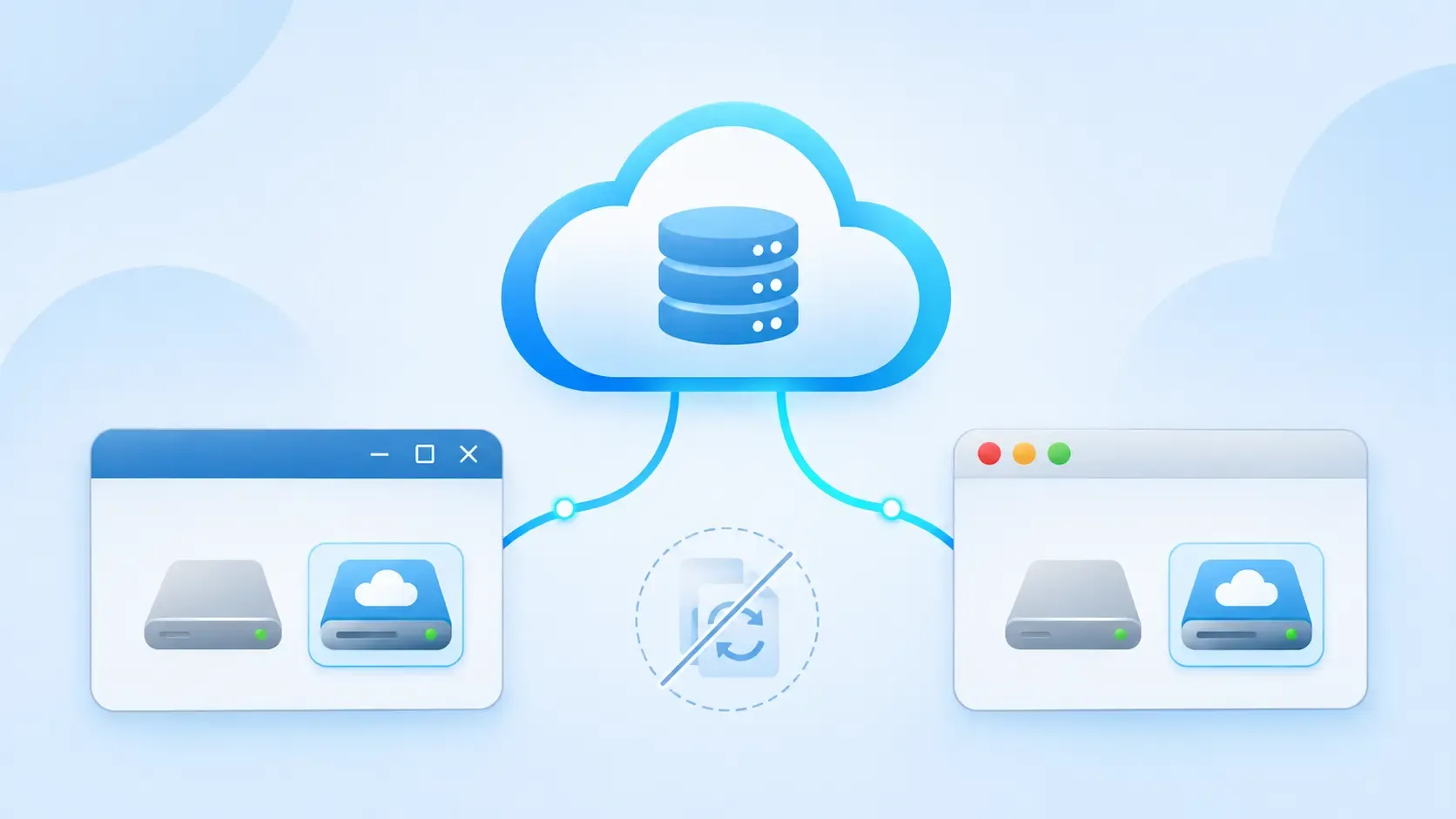
Is there a good ExpanDrive alternative for Windows and Mac? Yes. Air Live Drive also mounts your cloud accounts as drives in File Explorer or Finder, without syncing them to your computer. Its main differences are the number of services it supports, more than 40, including MEGA, iCloud Drive, pCloud and PikPak, and the control it gives you over each drive.
In short
- What it does: each cloud account appears as its own drive. You open, edit and save files with your usual apps, and they stay in the cloud.
- Platforms: Windows and macOS.
- To start: a free version with up to three drives, with no sign-up and no time limit.
- Best for: people who use clouds beyond the big three, or need different rules for each drive.
Why look for an ExpanDrive alternative
ExpanDrive is a well-known tool for mounting cloud storage. It supports 15 services and protocols, focused on Google Drive, OneDrive, Dropbox, Box, SharePoint, object storage such as S3, and servers over SFTP, FTP or WebDAV.
That covers many offices. But if your files are also in MEGA, iCloud Drive, pCloud, Yandex Disk or PikPak, you need a second tool for them, and the point of mounting drives was to have everything in one place.
What Air Live Drive does differently
More than 40 clouds in one window
Air Live Drive connects to more than 40 services. Besides Google Drive, OneDrive, Dropbox, Box, SharePoint Online, S3, Backblaze, Wasabi, SFTP and WebDAV, it supports clouds that other mounting tools usually leave out: MEGA, iCloud Drive, pCloud, PikPak, Koofr, Yandex, Mail.ru, Naver, Nutstore, Jottacloud, Huawei Drive, Alibaba Cloud, InfiniCloud and DRIME, among others.
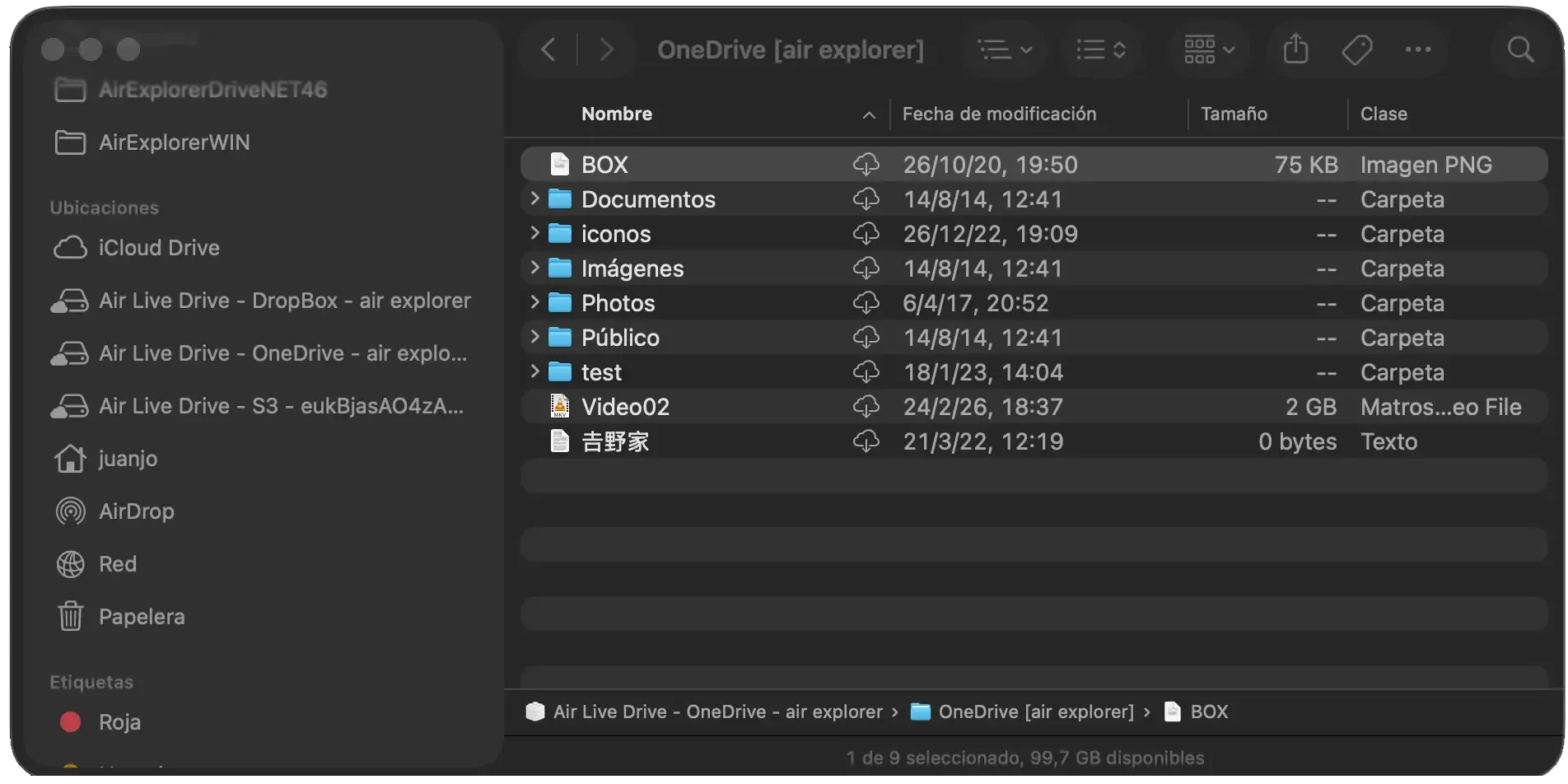
Each account is a drive, so moving a file from MEGA to OneDrive is a copy and paste in File Explorer.
Your disk stays free
Air Live Drive doesn’t sync. Files are downloaded only when an app opens them. On Windows you choose how large the cache can grow, where it is stored and which cache profile each drive uses. On Mac, Finder downloads only what you open, and Remove Download frees the space without deleting anything from the cloud.
Different rules for each drive
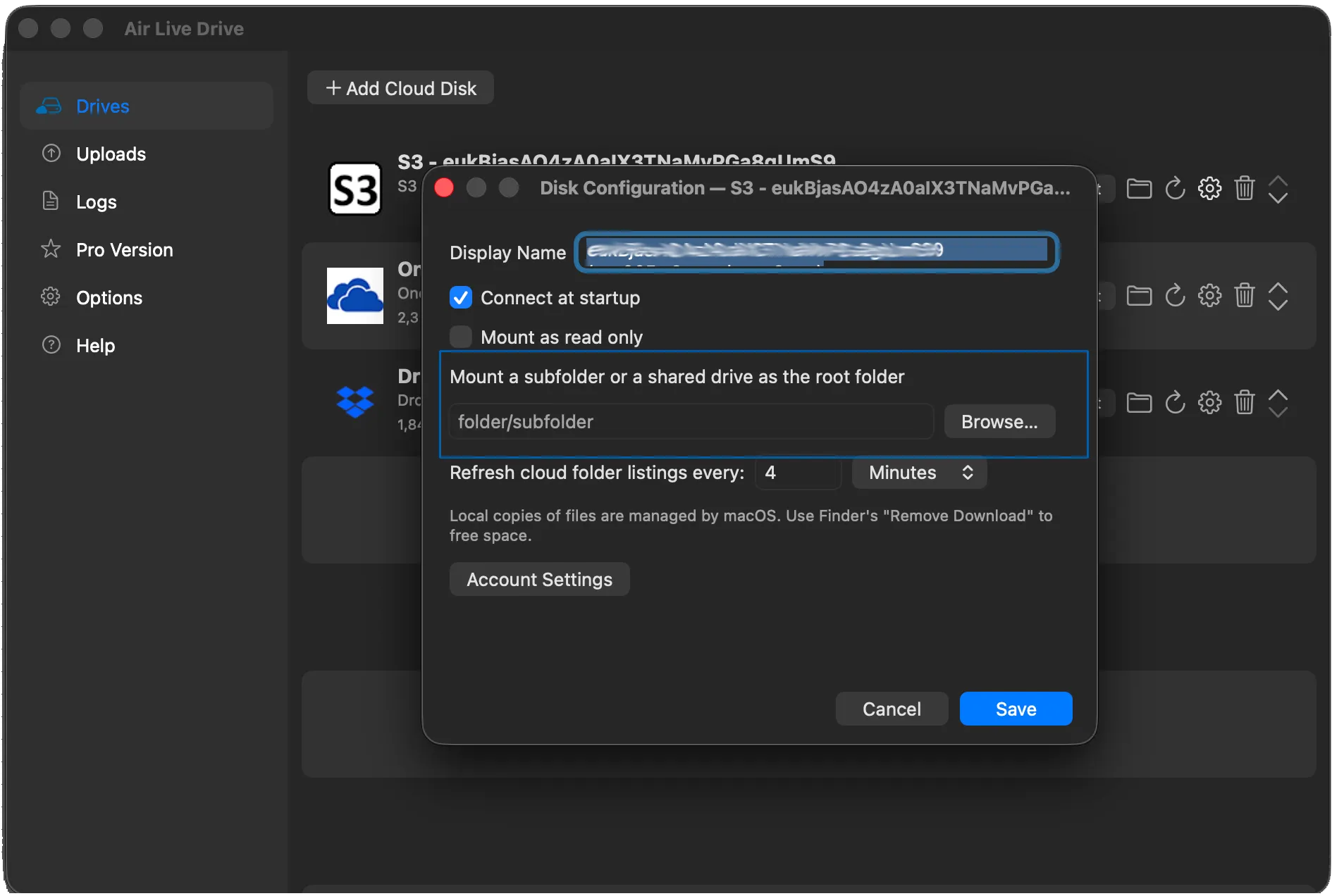
Every drive has its own settings:
- Read-only, for reference material, a client’s archive, or a folder you hand to an AI assistant.
- Mount just one folder or a shared drive as the root, instead of the whole account.
- Connect at startup, so the drives you use every day are always there.
- On Windows, a private drive that only the current Windows user can see, or a network drive when your environment requires one.
Ready for AI assistants
Claude Cowork, Claude Code and ChatGPT with Codex work with folders on your computer. A cloud mounted with Air Live Drive is one of those folders, so the AI can read and edit your cloud files without syncing your whole account. See how to use Claude with cloud folders.
In your language
The Windows interface is available in 29 languages, from Spanish and German to Japanese, Korean and Chinese.
Air Live Drive and ExpanDrive at a glance
Information from each vendor’s website, November 2026.
| ExpanDrive | Air Live Drive | |
|---|---|---|
| Platforms | Windows, macOS and Linux | Windows and macOS |
| Supported services | 15 | More than 40 |
| MEGA, iCloud, pCloud, PikPak | — | Yes |
| Read-only drive | — | Yes, per drive |
| Mount a single folder | — | Yes |
| Cache size and location | — | Yes (Windows) |
| Interface languages | — | 29 (Windows) |
When ExpanDrive may be the better fit
ExpanDrive runs on Linux, which Air Live Drive doesn’t, and lets you keep selected files available offline. It also offers team deployment and a server edition. If any of those is a must, it’s worth trying it first.
Try Air Live Drive in four steps
- Download Air Live Drive for Windows or Mac.
- Click Add Cloud Disk and choose your service.
- Sign in, pick a drive letter or a name and connect.
- Open the drive in Explorer or Finder and test a real task: open a file, edit it and save it.
The free version lets you mount up to three drives, one account per service. If you need more drives, several accounts of the same service, startup and administrator passwords or command-line automation, Pro removes those limits. The Help guide explains every drive option.
FAQ
Is Air Live Drive free?
Yes. The free version mounts up to three drives, one account per cloud service, with no time limit and no account to create. Pro removes those limits.
Does Air Live Drive sync my files like ExpanDrive's offline mode?
No. Air Live Drive works on demand: files stay in the cloud and are downloaded only when you open them. On Windows, a cache keeps the files you use often.
Does it work on Linux?
No. Air Live Drive is available for Windows and macOS.
Can I use ExpanDrive and Air Live Drive on the same computer?
Yes. They are independent apps, so you can try Air Live Drive with the clouds ExpanDrive doesn't support before deciding.
Which clouds does Air Live Drive support?
More than 40, including Google Drive, OneDrive, Dropbox, MEGA, iCloud Drive, pCloud, PikPak, Box, SharePoint, S3, Backblaze, Wasabi, SFTP and WebDAV. The full list is on the supported clouds page.